CREDO3D
Turn simple photographs into interactive, data-connected 3D models of pressure equipment.
Integrity decisions are only as good as the picture in front of you
Pressure equipment is complex. 2D drawings, isolated photographs and disconnected data make it hard to see the real condition of a plant — inside and out.
Design, operational, inspection and corrosion data live in separate systems, far from the equipment they describe.
The Business Case
Six reasons Credo3D delivers value to Integrity teams.
Photo-realistic visualisation
Give Integrity engineers a photo-realistic view of equipment — no CAD model or laser survey required.
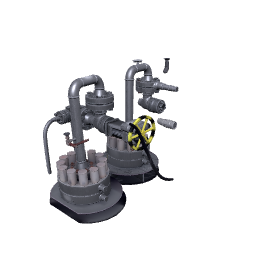
Explore inside and out
External and internal surfaces, from any angle and at any scale.
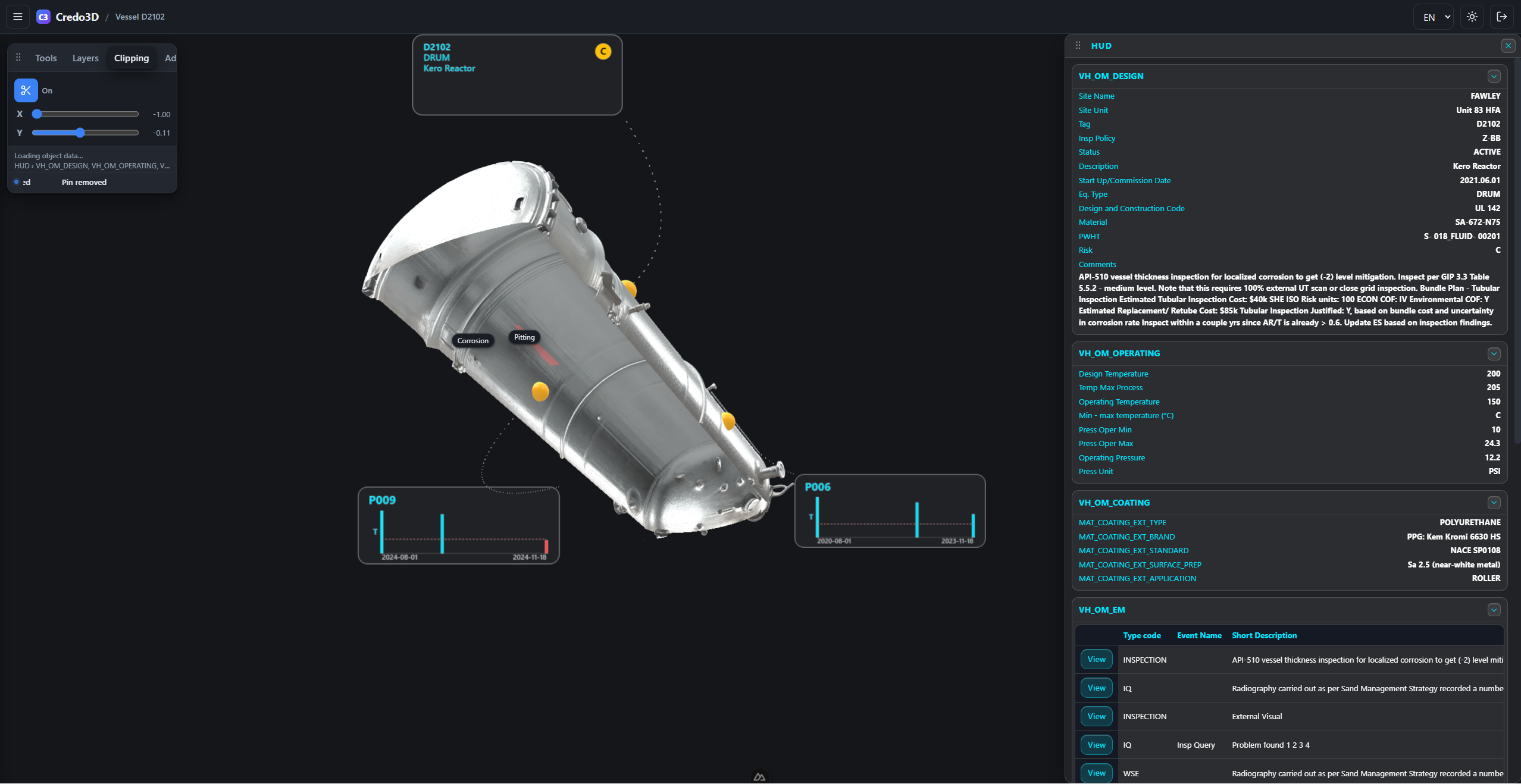 Live app
Connect the data
Link Design, Operational, Inspection and Corrosion data directly into the 3D model — so every component carries its own story.
Understand faster
Present equipment in 3D to maximise rapid understanding of integrity issues — the model communicates what a thousand drawings cannot.
Minimal configuration
Runs on top of the existing Credo platform — no new infrastructure, no heavy setup. It simply plugs into the systems you already use.
Rapid generation
Generate 3D models quickly from simple photographs, so new equipment can be captured and understood in minutes.
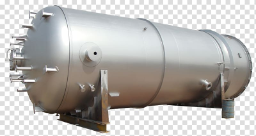
Key Features
What Credo3D does for the Integrity team — proof from the live application.
Rotate, size & examine
Equipment is presented as a photo-realistic model that can be rotated, sized and examined inside and out.
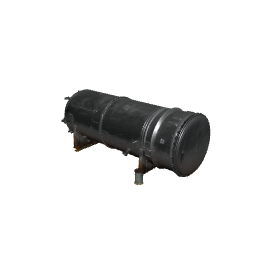
Connect model to data
Connect features of the model to the Credo database, tying every component to its own records.
Click to reveal the archive
Once connected, clicking a feature reveals the archive of integrity data behind it.
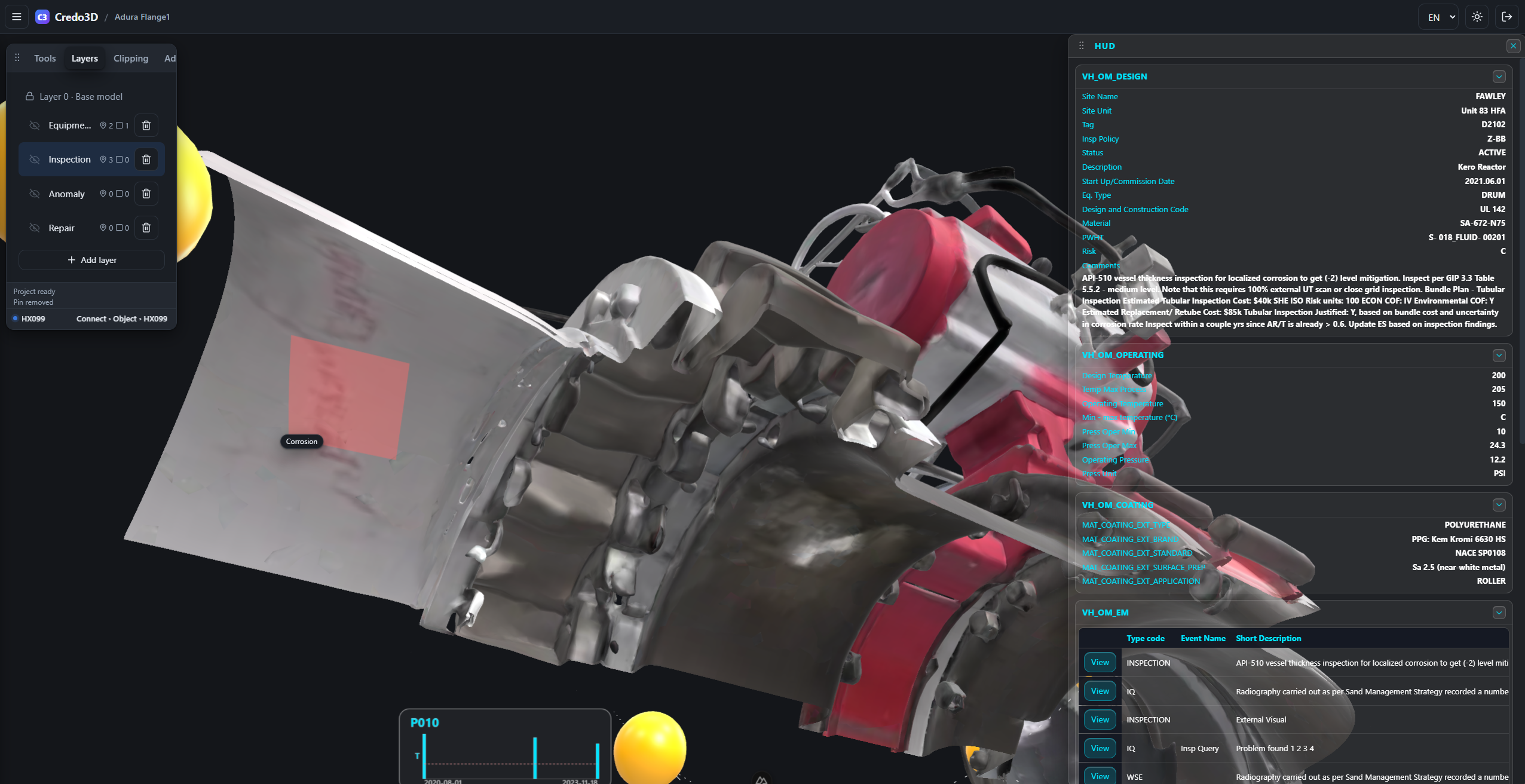
Highlight the defects
Marquee an area of concern — corrosion, pitting, a suspect weld — onto its layer.
 Live app
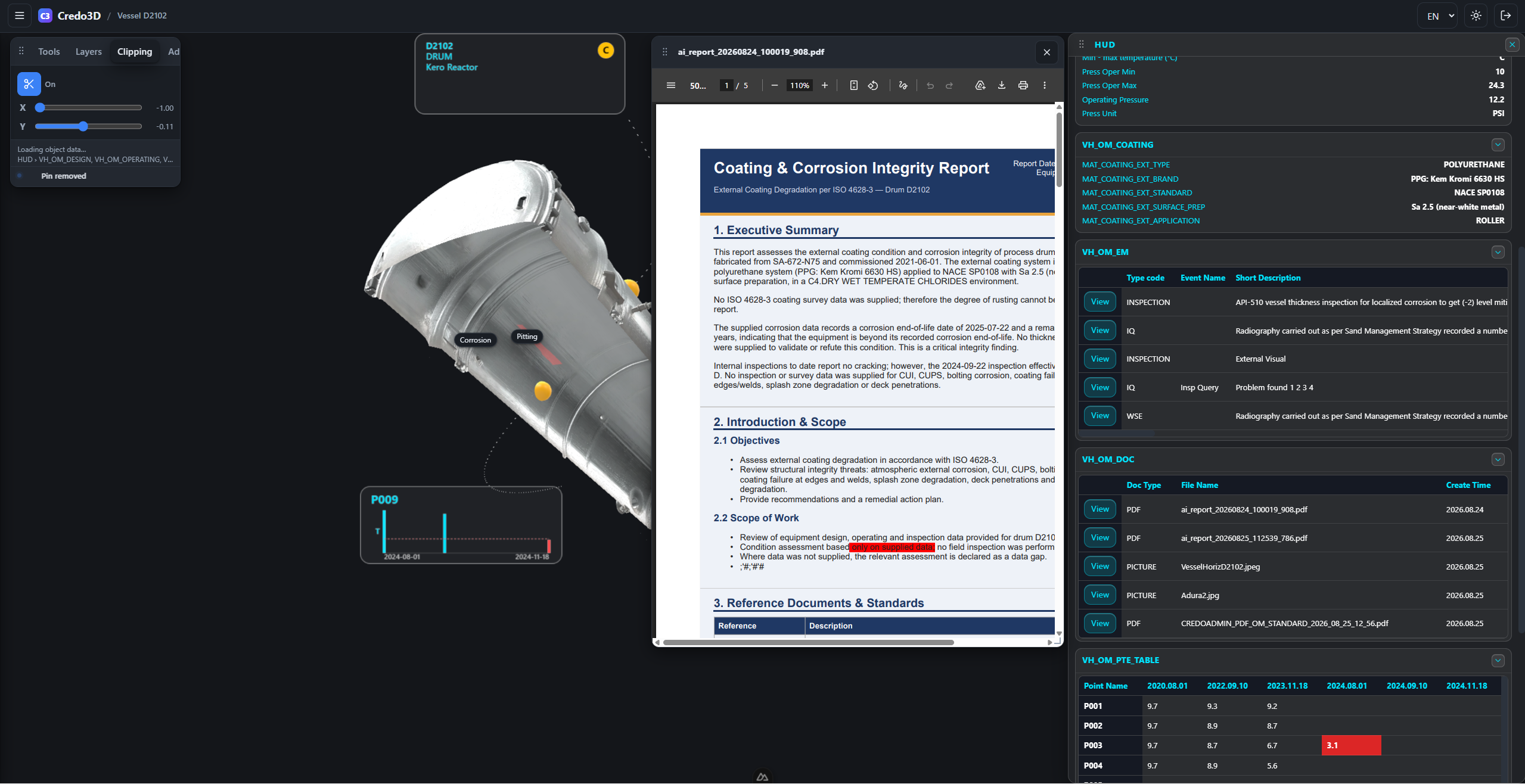
View technical documents
Open PDF reports in place, without leaving the model.
 Live app
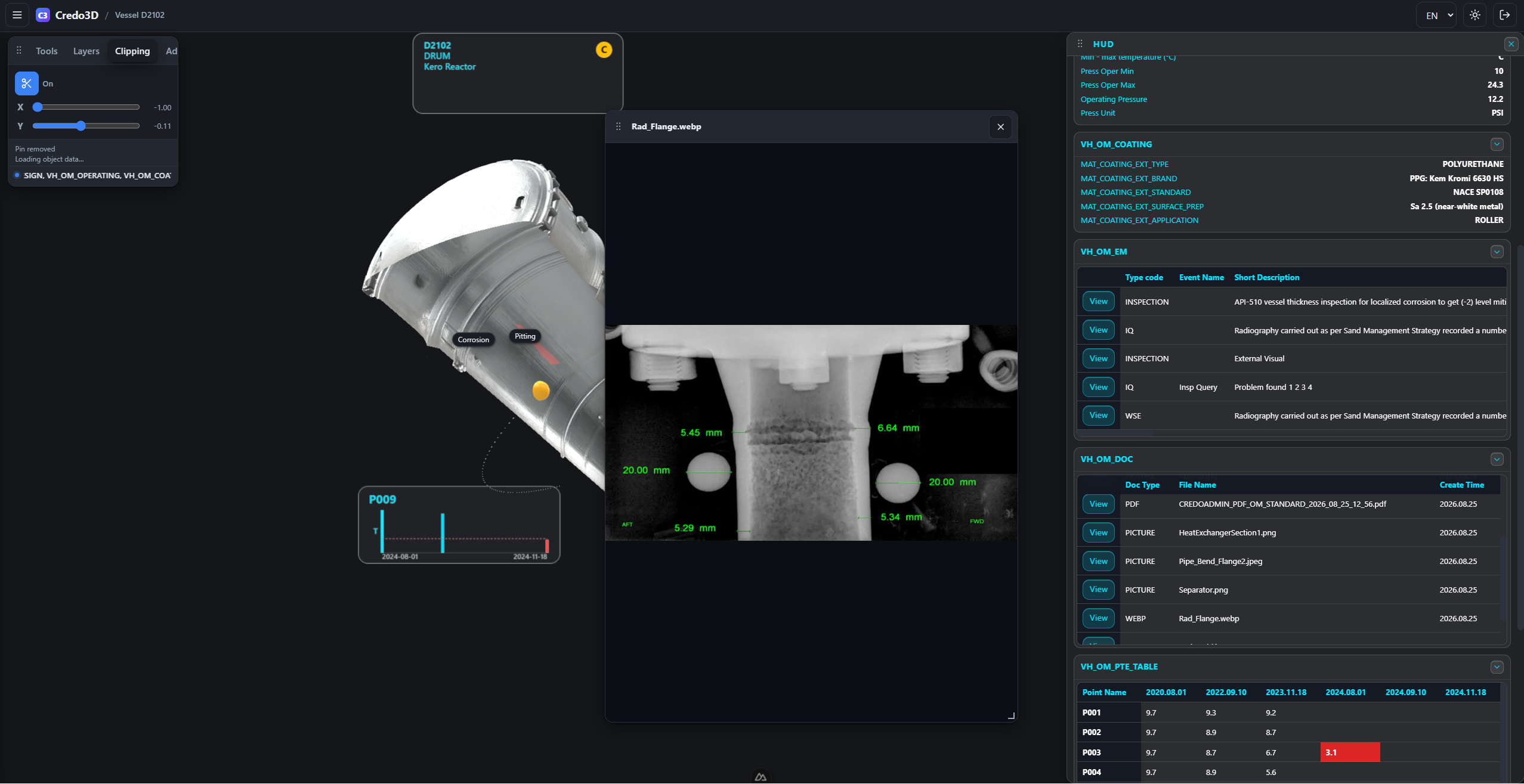
View images
Digital radiography films, at the click of a pin.
 Live app
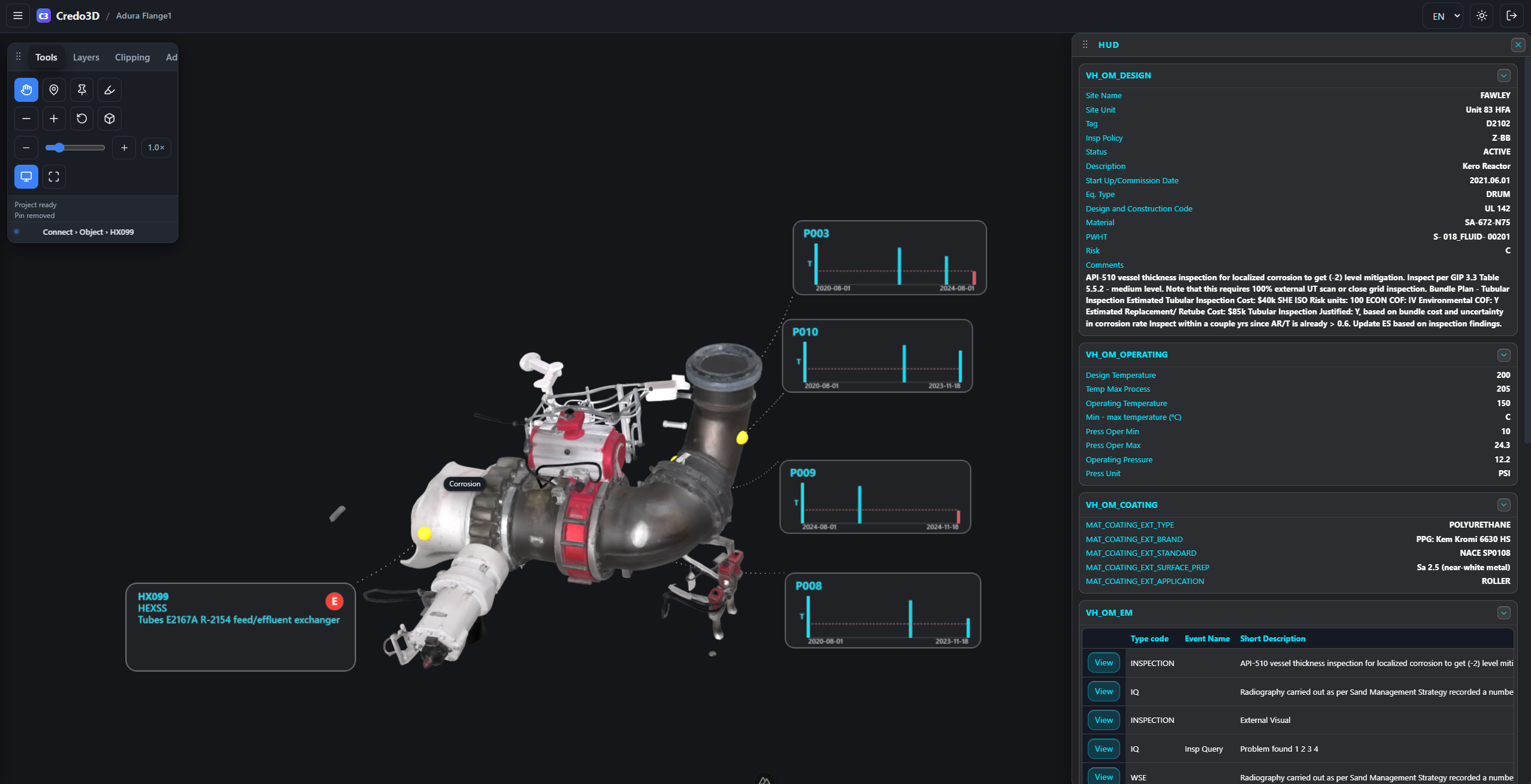
Risk at a glance
The A–E risk disc sits right on the callout, on the part.
 Live app
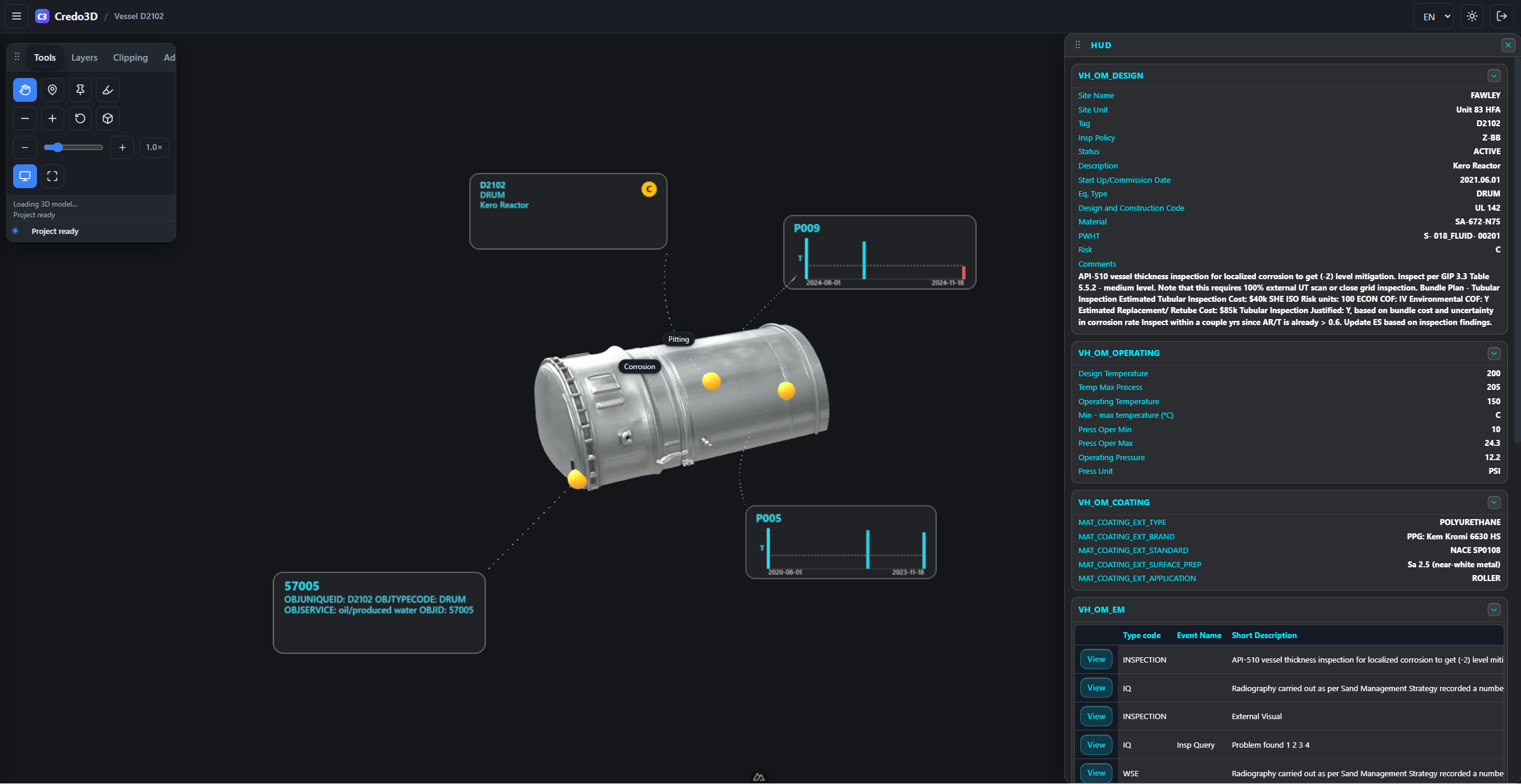
The Heads-Up Display
Click a callout and the HUD stacks the full data story — tables, documents, thickness history, stream fluids.
 Live app
Credo3D
Photo-realistic 3D models · connected integrity data · minimal setup.
A faster, clearer way for Integrity engineers to see — and share — the full picture.
